
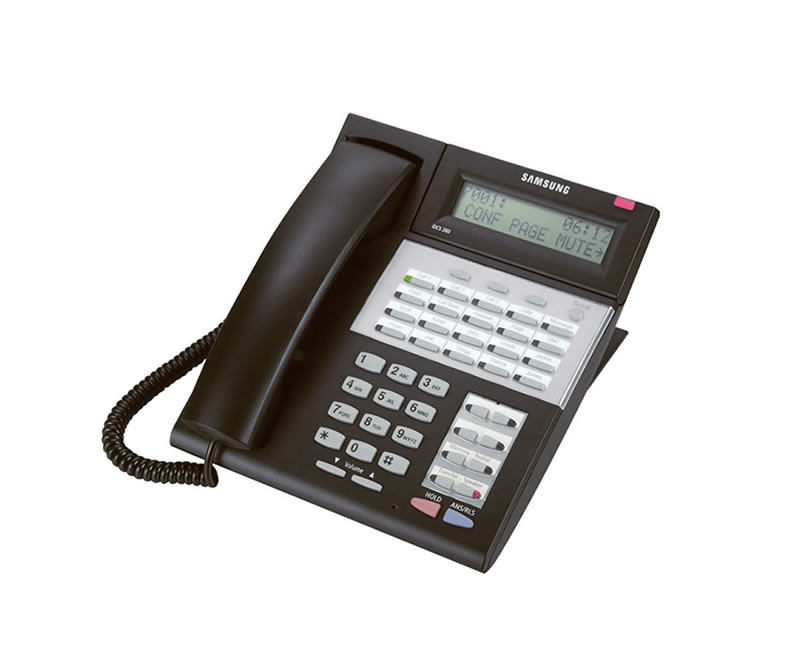
The feature code for Do Not Disturb on the Samsung iDCS 28D and IDCS18D (or any Samsung phone for that matter) is 40 + 1 for on or 0 for off.
Enable Do Not Disturb on a Samsung iDCS 28D Phone
- Leave your handset in the handset cradle
- dial 40 on the keypad
- Press 1 or the softkey under ON
Disable Do Not Disturb on a Samsung iDCS 28D Phone
- Leave your handset in the handset cradle
- dial 40 on the keypad
- press 0 or the softkey under OFF
We would like to inform that Samsung Electronics America (SEA) has ended the sale of the OfficeServ and SCM Products as of September 30, 2019.
It’s Time For A New Phone System.
Before you replace your legacy telephone system with a newer version of the same old thing, stop and consider the impact that this decision will have on the success of your business.
Did you know that the average lifespan of a premises-based phone system is 5 years? If you purchase hardware today, it is going to become obsolete – it’s a question of when, not if. What will you do when you find out that the features your business relies on are no longer being upgraded or supported?
With a virtual PBX communication system from NEC and Emergent, you’ll do far more than replace one phone system with another. You will gain a flexible, feature-rich Unified Communication System that will unleash productivity within your organization at an affordable price.
Our basic package for 6 users starts at just $168.60 a month
REQUEST A FREE CONSULTATION
Have questions? We’d love to help you. Call 407-834-2700 or